Key Takeaways
- 01
ChatPM uses AI to simplify project planning and daily management. As a result, teams can reduce manual work and improve project execution. - 02
Jira supports Agile software development, issue tracking, and customizable workflows. Therefore, it can help software teams manage complex development processes. - 03
ChatPM provides intelligent automation for faster project execution. In addition, AI-powered insights can help teams identify risks and monitor project performance. - 04
Pricing and features differ based on business size and project requirements. Consequently, teams should compare the capabilities that align with their workflows. - 05
The right platform depends on your team’s workflow and project management needs. For this reason, organizations should consider both current requirements and future goals.
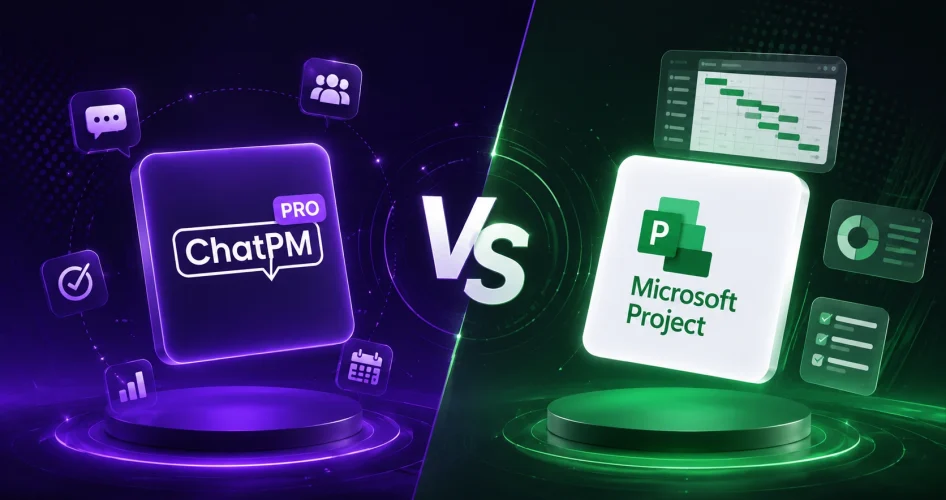
Project management has evolved as businesses demand faster collaboration, better visibility, and smarter decision-making. ChatPM Pro vs Jira is a comparison many organizations are making as they look for modern project management software that goes beyond traditional task tracking. While Jira is a well-known platform for Agile software development and issue management, ChatPM Pro delivers AI-powered project management that helps teams automate reporting, monitor risks, and improve project performance.
Every business has unique project management requirements, so selecting the right platform depends on your workflows, team size, and long-term goals. Whether you’re searching for the best Jira alternative, exploring software like Jira, or comparing different Jira software alternatives, understanding how these two platforms differ can help you make a more informed decision.
In this ChatPM Pro vs Jira comparison, we’ll explore their features, pricing, AI capabilities, integrations, and overall project management experience. As a result, you can better understand how each platform approaches project management and determine which capabilities align with your organization’s requirements.
Looking for the best Jira alternative? Schedule a ChatPM Pro demo and discover how AI-powered project management helps teams deliver successful projects faster.
What is ChatPM Pro?
ChatPM Pro is an AI-powered project management platform designed for project managers, PMOs, portfolio managers, and enterprise teams that want complete visibility across their projects. Instead of relying on multiple disconnected tools, ChatPM Pro brings schedules, budgets, risks, meetings, tasks, actions, and project updates into one intelligent workspace. As a result, teams can access important project information from a centralized environment.
The platform is built to reduce manual work and help teams make faster, data-driven decisions. Its built-in AI continuously analyzes project information, generates actionable insights, identifies potential risks, and automates reporting. Consequently, project managers can focus more on execution rather than administration.
Unlike traditional project management platforms, ChatPM Pro combines artificial intelligence with enterprise reporting and collaboration. Therefore, it can support organizations that want to modernize project delivery while keeping important project information in one place.
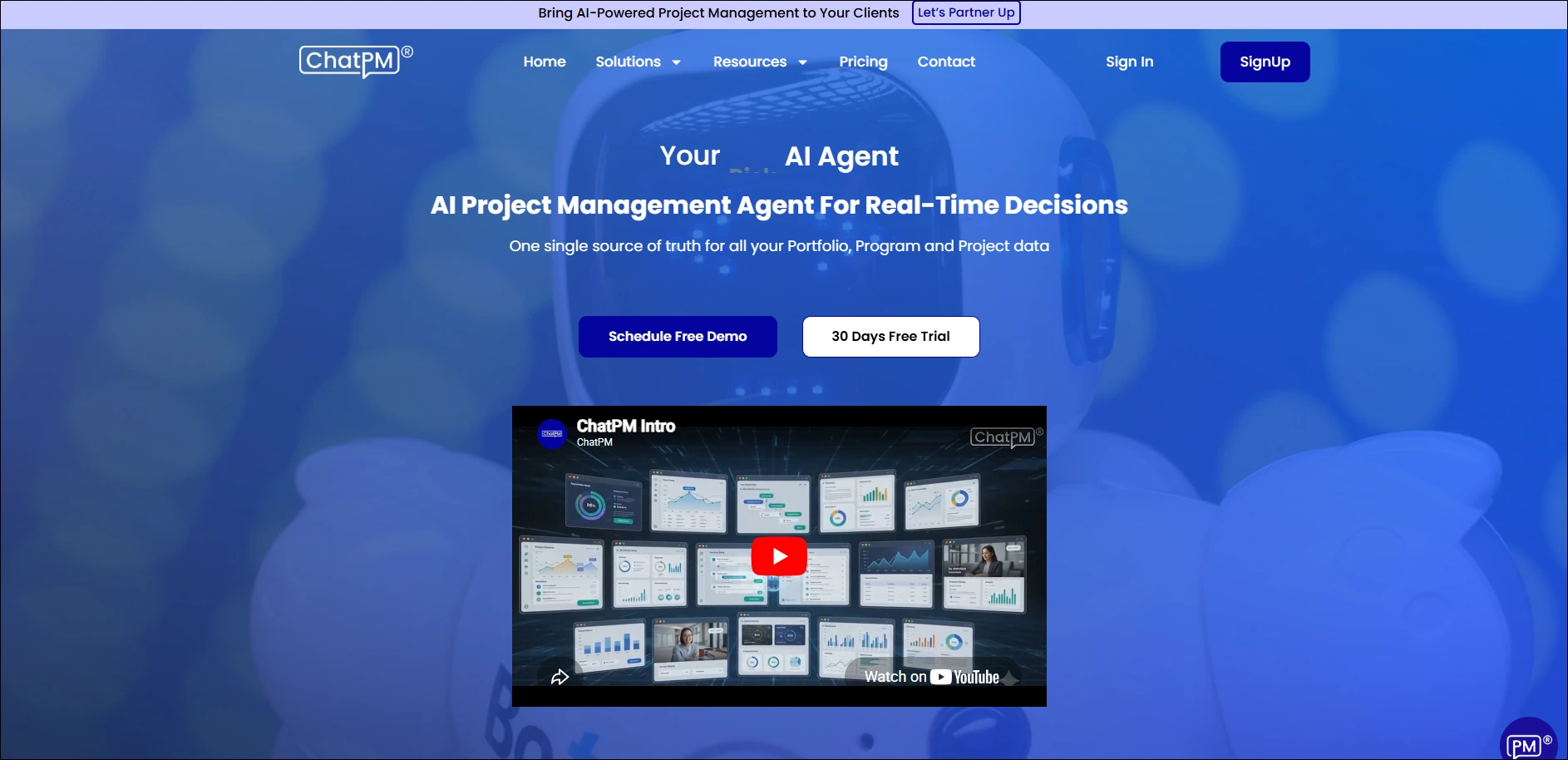
Core Functionalities of ChatPM Pro
1. AI Project Planning
Create smarter project plans with AI-powered recommendations that help teams organize work, allocate resources, and improve delivery timelines. In addition, these recommendations can help project managers structure work more efficiently from the beginning.
2. Intelligent Task Management
Assign, prioritize, and track project tasks from one centralized workspace while AI helps streamline project execution. As a result, teams can maintain clearer task visibility while reducing manual coordination.
3. AI Risk Management
Identify project risks before they become major issues with intelligent monitoring and proactive recommendations. Therefore, project managers can respond to potential problems earlier and support more effective risk management.
4. Project Cost Tracking
Monitor project budgets, expenses, and financial performance with real-time visibility into project costs. Consequently, managers can better understand financial performance while keeping project spending under control.
5. AI Meeting Intelligence
Convert meeting discussions into action items, assign responsibilities, and automatically capture project updates. In this way, teams can turn important meeting discussions into trackable project activities without relying on manual documentation.
What is Jira?
Jira is a popular Jira project management tool developed by Atlassian and widely used by software development teams to manage Agile projects, bugs, user stories, and sprint planning. Over the years, it has become a trusted platform for organizations that rely on Scrum and Kanban methodologies to manage software delivery.
One of Jira’s biggest strengths is its flexibility. Teams can customize workflows, automate repetitive processes, and extend functionality through thousands of integrations available in the Atlassian Marketplace. As a result, Jira can support engineering teams that require detailed issue tracking and Agile project management.
Although Jira continues to introduce AI-powered capabilities, its primary focus remains workflow customization and issue management. Therefore, organizations evaluating Jira competitors and Jira similar tools may also consider platforms that provide built-in intelligence, automated reporting, and broader project visibility.
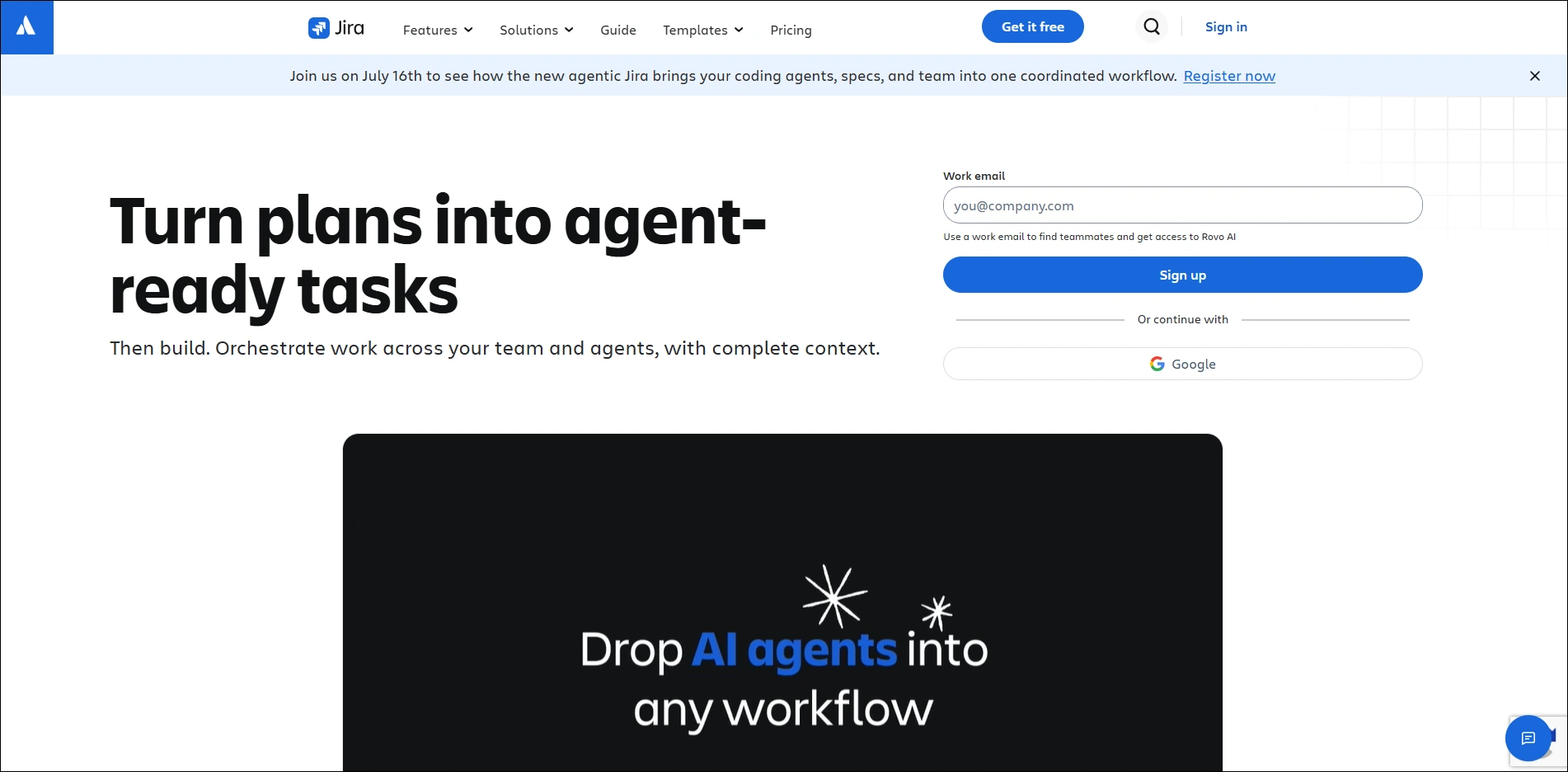
Core Functionalities of Jira
1. Issue Tracking
Track bugs, feature requests, tasks, and user stories with detailed history and workflow management. As a result, development teams can maintain a clear record of issues throughout the software development process.
2. Agile Project Management
Support Scrum and Kanban methodologies with sprint planning, backlog management, and Agile reporting tools. In addition, teams can organize development work around established Agile processes.
3. Workflow Automation
Automate repetitive project activities using configurable rules, triggers, and approval workflows. Consequently, teams can reduce manual actions and maintain more consistent processes.
4. Custom Workflows
Customize issue types, project workflows, permissions, and statuses to match business processes. Therefore, teams can adapt Jira workflows to their specific development and operational requirements.
5. Reporting & Dashboards
Monitor project progress using dashboards, reports, sprint analytics, and team performance metrics. As a result, managers and development teams can track project activity and review performance more efficiently.
ChatPM Pro vs Jira Features: Side-by-Side Comparison
Both platforms help teams manage projects, but they take very different approaches. Jira is designed primarily for Agile software development and issue tracking, while ChatPM Pro focuses on AI-powered project management that improves planning, reporting, collaboration, and decision-making.
If you’re comparing ChatPM Pro vs Jira, one important difference is how each platform handles project intelligence. Jira helps teams manage development work efficiently, whereas ChatPM Pro uses AI to automate repetitive tasks, generate insights, and provide broader project visibility. Therefore, organizations should consider which approach better matches their project management requirements.
|
Feature |
ChatPM Pro |
Jira |
| Primary Focus | AI-powered project management | Agile development and issue tracking |
| Project Planning | AI-assisted planning and recommendations | Agile planning, sprints, and backlogs |
| Task Management | Intelligent task management | Issue and task tracking |
| AI Capabilities | Built-in AI insights and automation | AI-assisted development and workflows |
| Risk Management | AI-powered risk identification | Workflow and issue-based tracking |
| Reporting | AI-powered reporting and project insights | Dashboards, sprint reports, and analytics |
| Collaboration | Centralized project collaboration | Development team collaboration |
| Workflow Automation | AI-powered workflow automation | Rule-based workflow automation |
| Best For | Enterprise teams and AI-driven project management | Software development and Agile teams |
ChatPM Pro vs Jira Pricing
Pricing is an important consideration when comparing project management platforms. However, the overall value also depends on the features, integrations, automation capabilities, and reporting tools included with each solution. Therefore, organizations should evaluate pricing alongside their specific project management requirements.
Jira offers different pricing options based on team size and required capabilities, while ChatPM Pro provides plans designed around AI-powered project management and enterprise requirements. As a result, the final cost can vary depending on the number of users, features, and services required.
| Plan | ChatPM Pro | Jira |
| Free Plan | 30-day free trial | Free plan available |
| Entry Plan | Available based on selected plan | Paid plans based on team size |
| Enterprise | Custom enterprise plans | Enterprise plans available |
| AI Features | Built into the platform | AI capabilities available within Jira |
Why Choose ChatPM Pro Over Traditional Project Management Tools?
As businesses increasingly adopt AI to improve productivity, many organizations are evaluating AI-powered automation, intelligent reporting, and broader project visibility. Traditional project management platforms can organize tasks effectively, but AI-powered tools can also analyze project information and provide actionable insights. Consequently, teams can use automation to reduce repetitive administrative work.
1. AI-Powered Project Management
ChatPM Pro uses built-in AI to automate reporting, identify project risks, and deliver real-time insights. As a result, teams can make faster decisions while reducing manual work.
2. Complete Project Visibility
Unlike many software like Jira, ChatPM Pro brings schedules, budgets, tasks, meetings, and risks into one centralized workspace. Therefore, teams can maintain broader visibility across their projects without relying on multiple disconnected systems.
3. Built for Modern Enterprise Teams
With AI-powered dashboards, Microsoft integrations, and intelligent project analytics, ChatPM Pro can serve as an alternative to Jira for organizations looking to improve collaboration and project delivery. In addition, these capabilities can help teams manage project information through a centralized environment.
Ready to Choose the Right Project Management Platform?
Choosing between ChatPM Pro vs Jira ultimately depends on how your team manages projects. Jira continues to be a leading platform for Agile development and issue tracking, making it suitable for software engineering teams with highly customized workflows. On the other hand, ChatPM Pro focuses on AI-powered project management, automation, reporting, and broader project visibility.
Organizations looking for AI-powered automation, intelligent reporting, and enterprise-wide project visibility can evaluate ChatPM Pro alongside Jira. Instead of relying on multiple tools for analytics and reporting, ChatPM Pro brings these capabilities together in one centralized platform powered by artificial intelligence.
Frequently Asked Questions
1. Why is ChatPM Pro considered a Jira alternative?
ChatPM Pro is an AI-powered project management platform for organizations that want more than traditional issue tracking. In addition to project management, it provides AI-powered automation, reporting, risk identification, and broader project visibility.
2. How does ChatPM Pro improve project reporting compared to Jira?
ChatPM Pro automates project reporting with AI-powered insights and real-time Power BI dashboards. As a result, teams can reduce the need for manual report creation while gaining clearer visibility into project performance.
3. Is ChatPM Pro suitable for enterprise project management?
Yes. ChatPM Pro is built for enterprise organizations, PMOs, and portfolio managers who need centralized visibility across multiple projects. In addition, its AI-powered capabilities can help teams automate reporting and monitor project performance.
4. Can ChatPM Pro integrate with Microsoft tools?
Absolutely. ChatPM Pro offers native integration with Microsoft Azure, Power BI, Microsoft Teams, Outlook, SQL Server, and MongoDB. Therefore, organizations can connect important business systems with their project management workflows.
5. Why should businesses consider ChatPM Pro over traditional project management software?
Businesses that want to move beyond basic task management can benefit from an AI-first approach. Instead of simply tracking work, ChatPM Pro provides real-time project intelligence, automated dashboards, risk identification, portfolio visibility, and conversational AI. Consequently, teams can make more informed decisions while reducing manual administrative effort.