Key Takeaways
- 01
The right app replaces chaos with a structured, shared system. - 02
Features matter only when they match how your team works. - 03
Automation and AI free managers from repetitive administrative overhead. - 04
Visibility and accountability are what separate good tools from great ones. - 05
Adoption fails without usability, no matter how strong the features are.
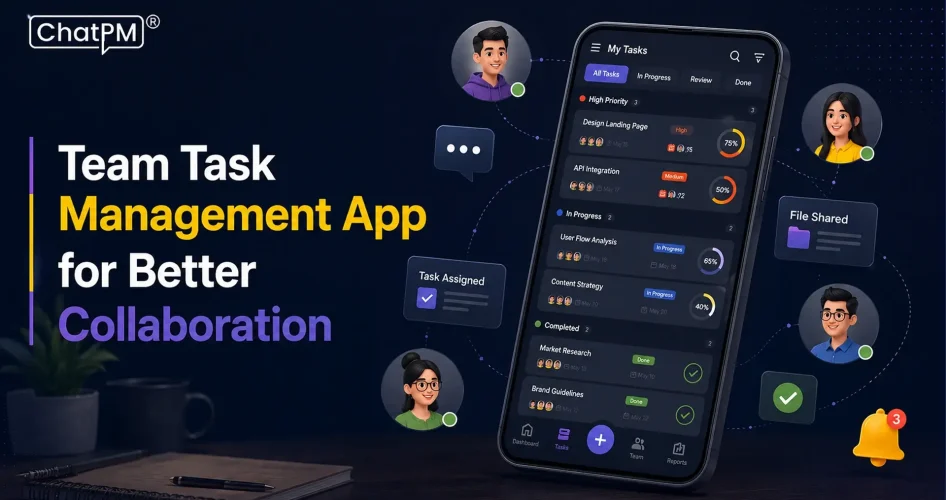
Managing a team without the right system is just organized chaos. A team task management app changes that by giving managers a single place to assign work, track progress, and hold people accountable without endless follow-up emails or status meetings. When your team scales, the gaps between communication and execution grow fast, and that is where most projects fall apart.
This blog breaks down the features every manager actually needs in a task management app, not the ones that just look good on a pricing page. Whether you are leading a team of five or fifty, these are the capabilities that directly affect how work gets done and delivered on time. So, let’s keep reading further!
Struggling to keep team tasks organized and on track? Schedule a demo to see how ChatPM Pro simplifies task management, collaboration, and project visibility.
What is Team Task Management Software and Why Does It Matter for Managers?
Team task management is the systematic process of planning, assigning, tracking, and executing shared workflows within a group. It breaks down large project objectives into actionable steps, assigns clear ownership, and sets defined deadlines to keep every member aligned and accountable toward a common goal.
When done right, it transforms scattered to-do lists into dynamic, collaborative systems that give managers real visibility into progress. Rather than relying on status meetings or follow-up emails, teams operate from a single shared structure where responsibilities are clear, priorities are set, and work moves forward with purpose.
Key Features to Look for in Team Task Management Software
Choosing the right tool comes down to the features that actually support how your team works, not just what looks good on a demo. Here are the core features a team workflow management app must have to keep projects on track and every member aligned.
1. Integrated Collaboration and Communication
Tasks without context create confusion. Contextual comments, file attachments, and teammate tagging keep every discussion tied directly to the work it belongs to.
2. Robust Task Customization and Prioritization
Not all tasks carry equal weight, and the app should reflect that. Custom fields, priority tags, and subtasks give every assignment the structure it needs to move without ambiguity.
3. Dynamic Timeline and Dependency Management
When one task shifts, everything connected to it should shift too. Dependency mapping and automatic rescheduling protect your project timeline from cascading delays.
4. Smart Workflow Automation
Manually updating statuses and reassigning handoffs eats into time that managers cannot afford to lose. Automation handles routine transitions so the team stays focused on actual work.
5. Flexible Project Views
Different teams think differently about how work should be visualized. Kanban boards, Gantt charts, calendar views, and list formats give every stakeholder the perspective that makes sense for their role.
6. Resource and Workload Management
Overloading one person while another sits idle is a management failure the right app prevents. Real-time capacity tracking gives managers the data to distribute work based on actual availability.
7. Time Tracking and Timesheet Logging
Knowing how long tasks actually take versus how long they were estimated to take is where planning improves over time. For client-facing teams, accurate time logs also directly protect billing integrity.
8. Action-Driven Reporting and Analytics
Stakeholders need progress updates without managers spending hours compiling them. Unified dashboards and automated reports surface the right data at the right time, without the administrative overhead.
Key Advantages at a Glance
1. Centralised Visibility: All tasks, files, and updates live in one shared workspace.
2. Clear Accountability: Every task has a defined owner, deadline, and clear priority.
3. Faster Productivity: Automated notifications and priority tags keep the team consistently moving forward.
4. Stronger Scheduling: Gantt charts and deadline alerts prevent last-minute rushes and delays.
5. Smarter Oversight: Real-time dashboards give managers the data to course-correct immediately.
How to Choose the Right Team Task Management Software for Your Team
With dozens of options available, picking the right team productivity software comes down to understanding what your team actually needs, not what has the longest feature list. Here are the key factors to evaluate before you commit to a platform.
1. Prioritize Usability and Adoption
The best team task management software means nothing if your team avoids using it. Look for intuitive navigation and a clean interface that new members can pick up without a training session.
2. Check Native Integrations
Your app should fit into the tools your team already relies on, not pull them away from it. Seamless sync with Slack, Google Calendar, or Microsoft Teams keeps context switching and duplicate work out of the picture.
3. Evaluate AI and Automation
Modern work management platforms now handle routine updates automatically, from shifting deadlines to reassigning handoffs, without manual input. If the tool has built-in AI for task generation and progress summaries, that is time back in every manager’s day.
4. Assess Project Complexity
A simple visual board works well for straightforward daily workflows, but multi-stage projects with dependencies need more structural depth. Match the team task management tool, to how your projects actually run, not how simple you wish they were.
5. Set a Budget
Free tiers work for small teams with basic needs, but analytics, portfolio views, and advanced dependencies typically sit behind a paywall. Compare what each plan actually unlocks before deciding what the team can grow into.
Best Team Task Management Software to Consider in 2026
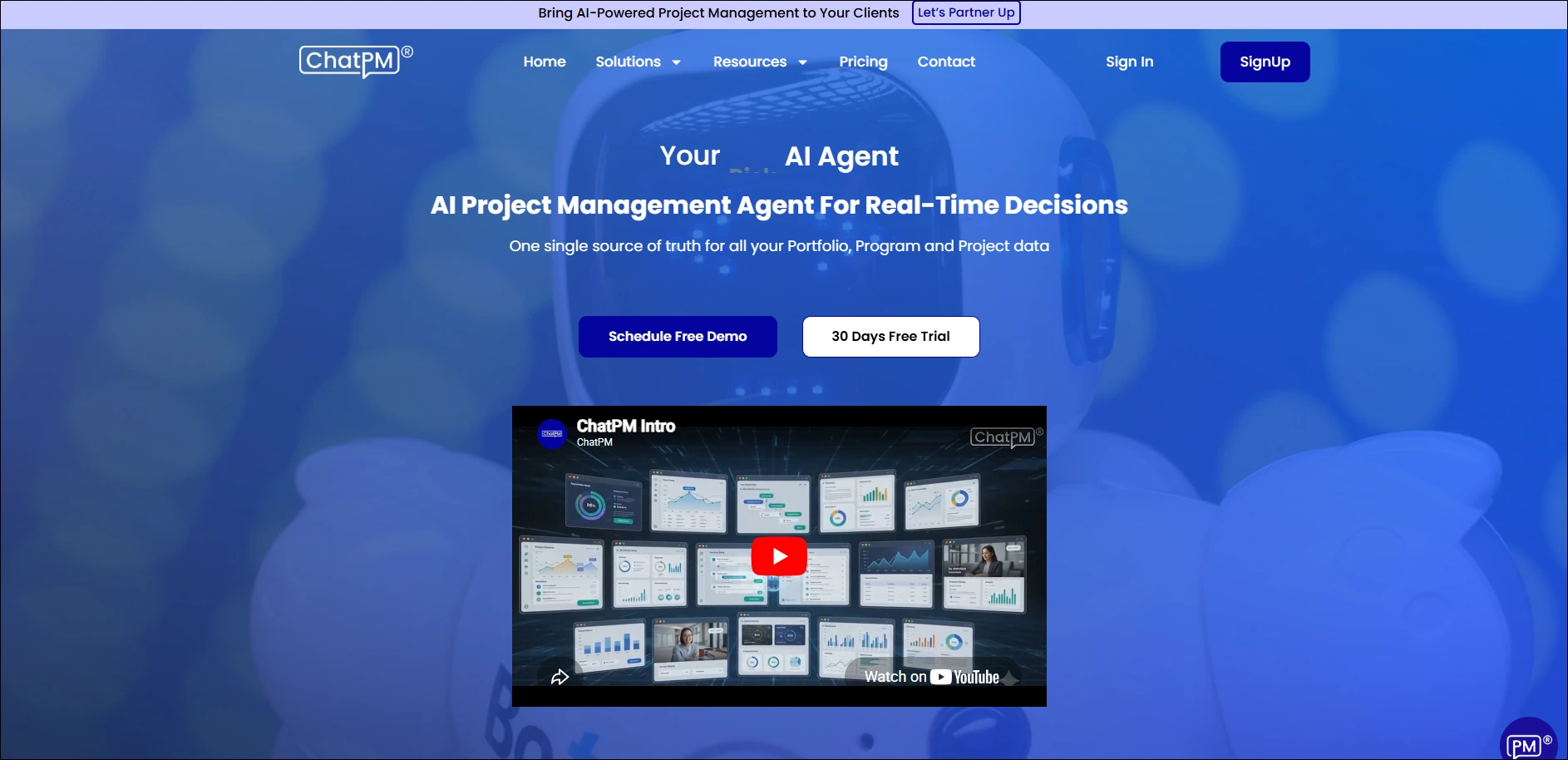
1. ChatPM: Built specifically for managers who need AI-driven task coordination without the complexity. It keeps every team member aligned through smart assignments and conversational project management.
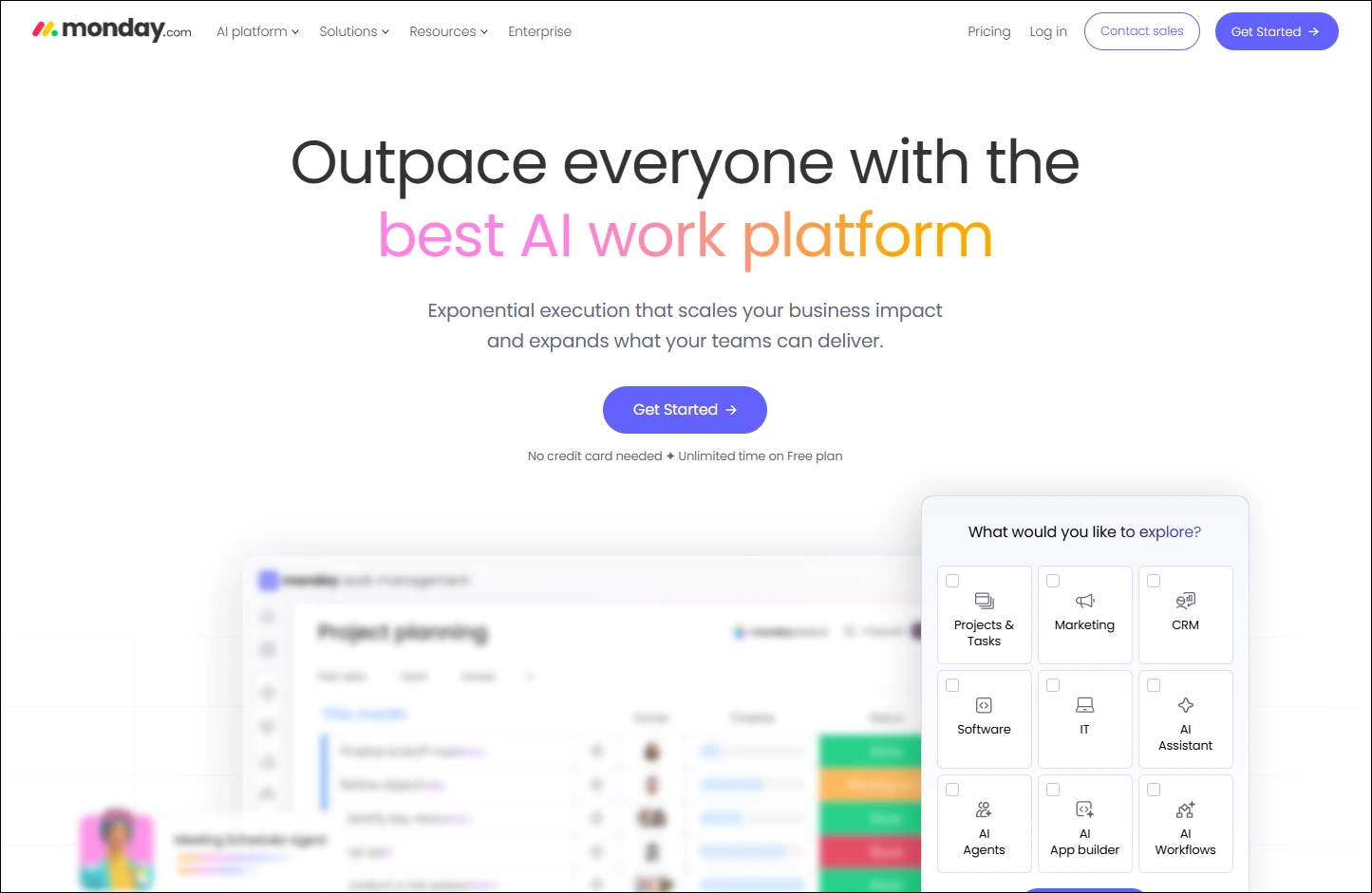
2. Monday.com: A top choice for teams that need highly visual, customisable workflows and dashboards.
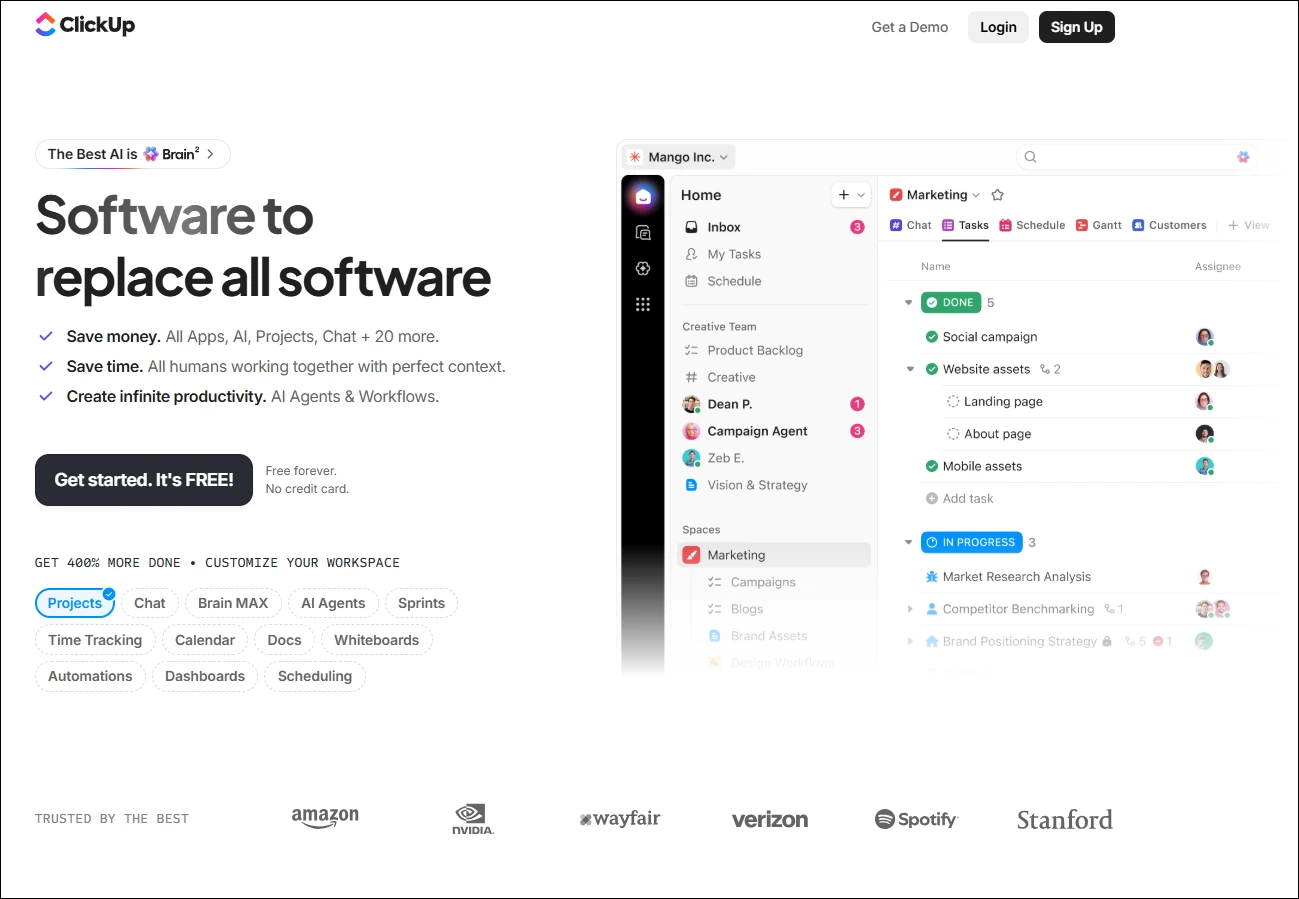
3. ClickUp: Covers task management, mind mapping, and built-in AI capabilities under one roof.
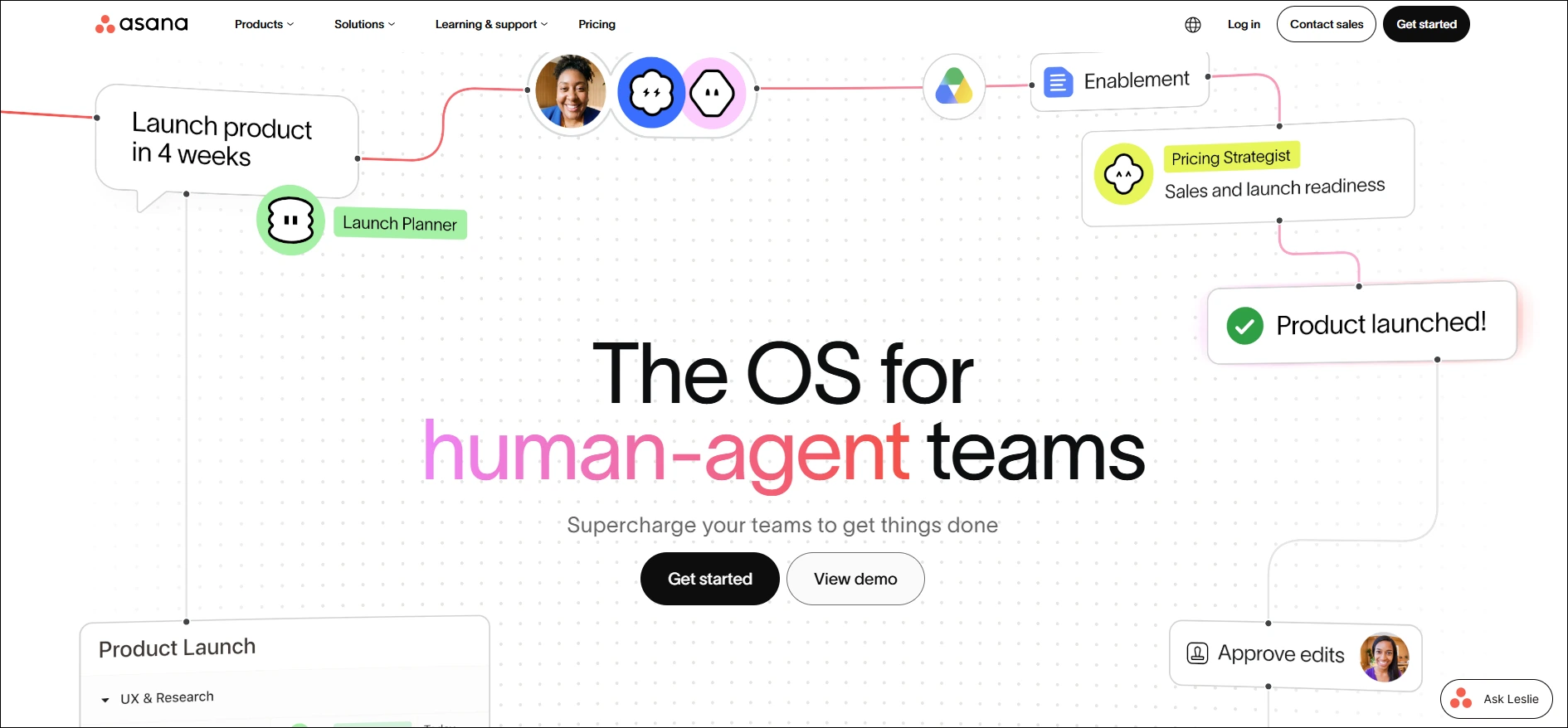
4. Asana: Designed for cross-functional teams that need clean visuals, timeline views, and structured coordination.
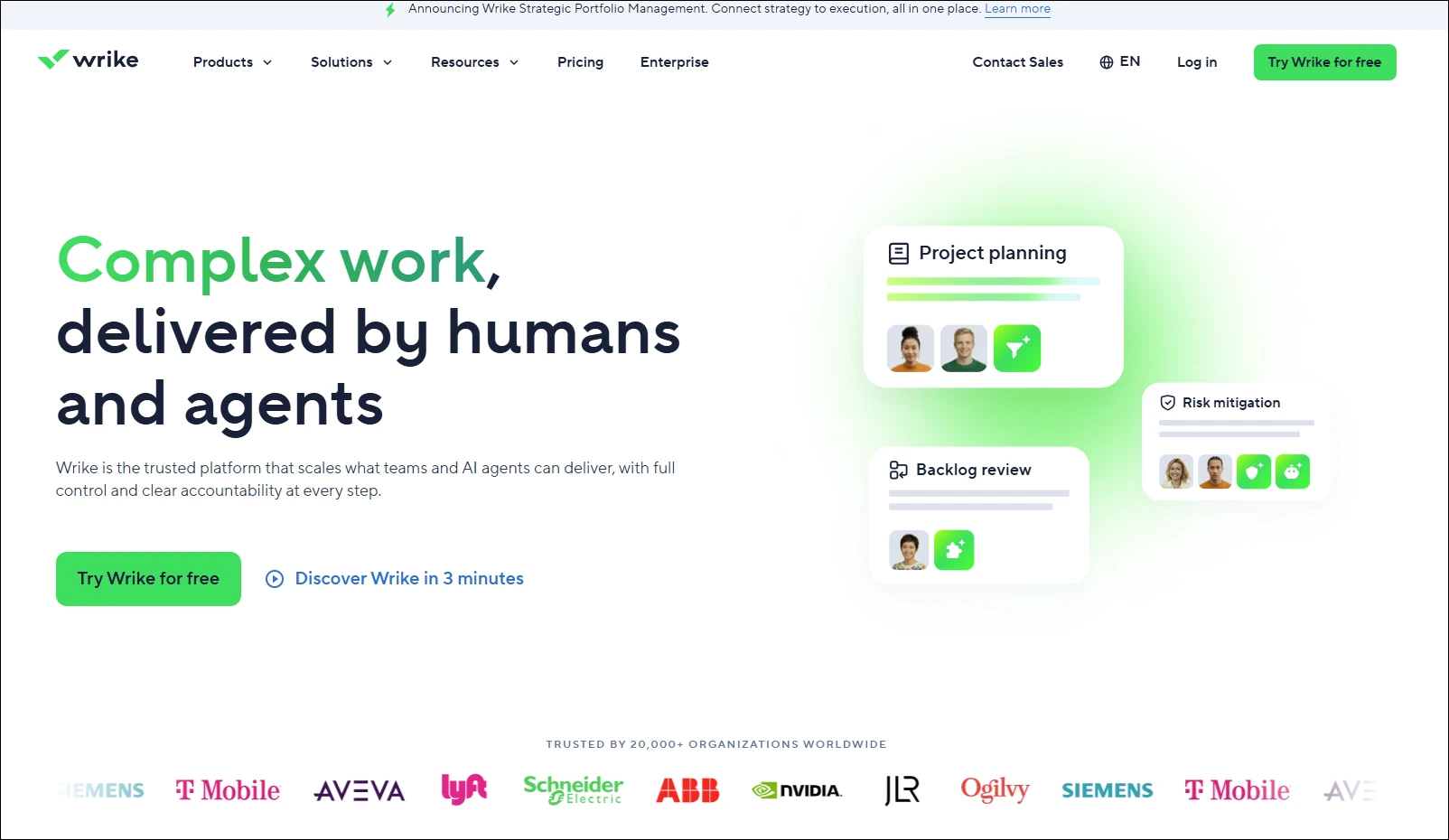
5. Wrike: Team collaboration software, built to scale with enterprise-level workflows and cross-functional collaboration at its core.
Ready to Transform Team Work With Task Management Software?
The right team task tracking software does not just organise work; it changes how your team thinks about execution, accountability, and progress. Every feature covered in this blog, from dependency management to automated reporting, exists to remove friction between planning and delivery. When managers have full visibility and teams have clear direction, projects stop stalling.
Picking the wrong tool costs more than money; it costs momentum. ChatPM is built for managers who need more than a task list. It brings conversational AI into project coordination, letting teams assign work, track progress, and flag blockers through natural dialogue. Less setup, less overhead, and faster execution from the first day your team logs in.